Use Downloader to get TiviMate
Open Downloader
Type the following URL exactly as shown here: https://troypoint.com/tivi and click Go.
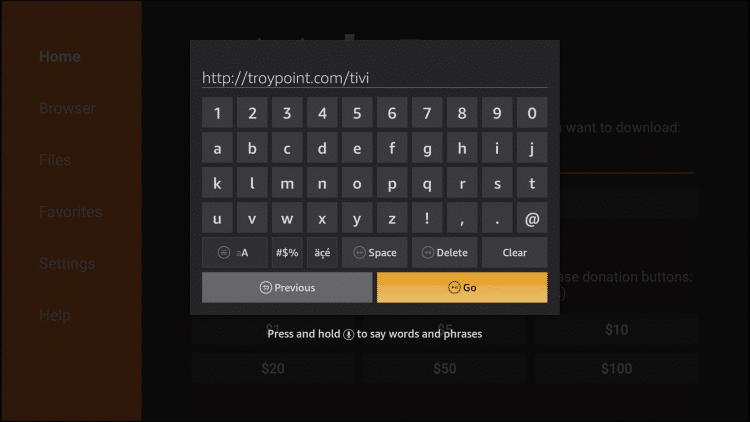
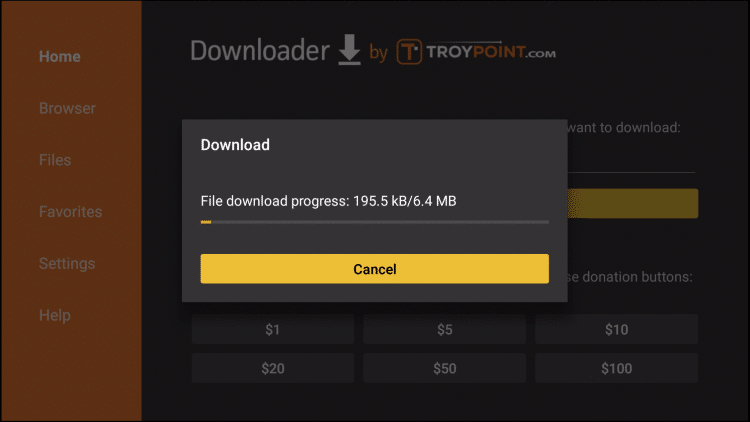
14. Wait for file to download.
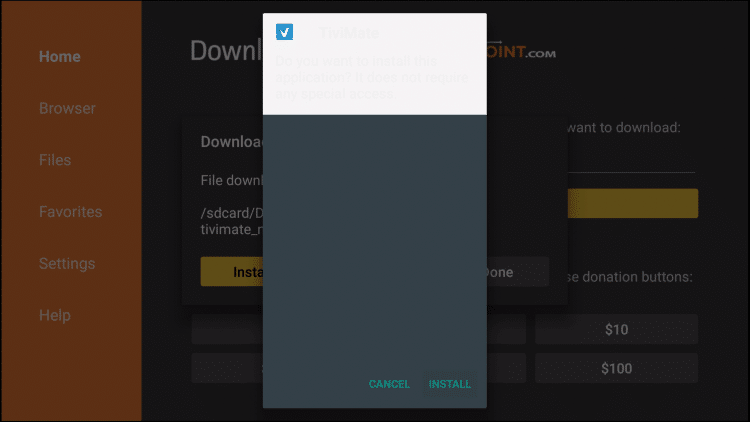
15. Click Install.
16. Click Open
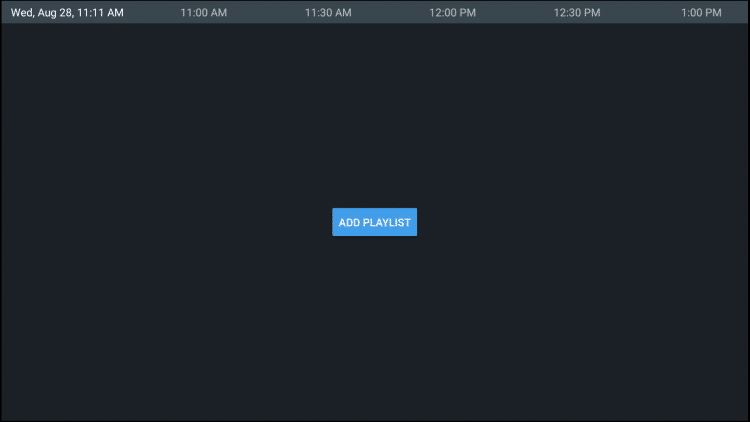
2. Click Xtreme Codes Login
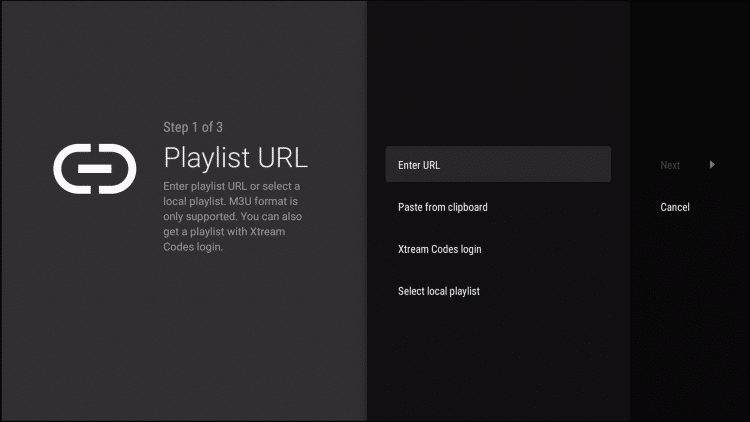
3. Enter Your Subscription info
URL:
UserName:
PassWord:
Click Next
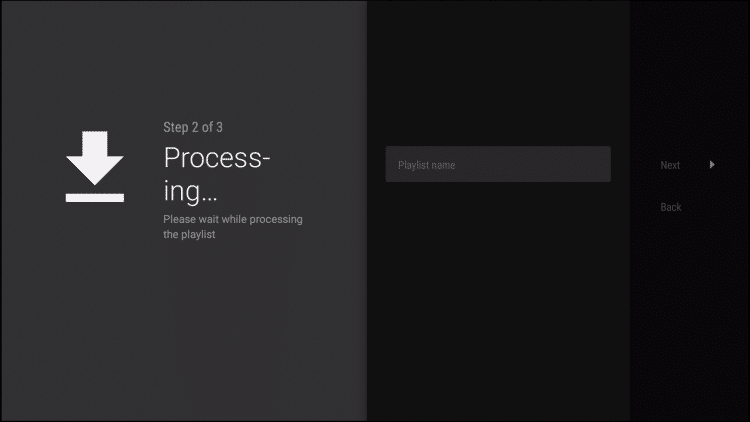
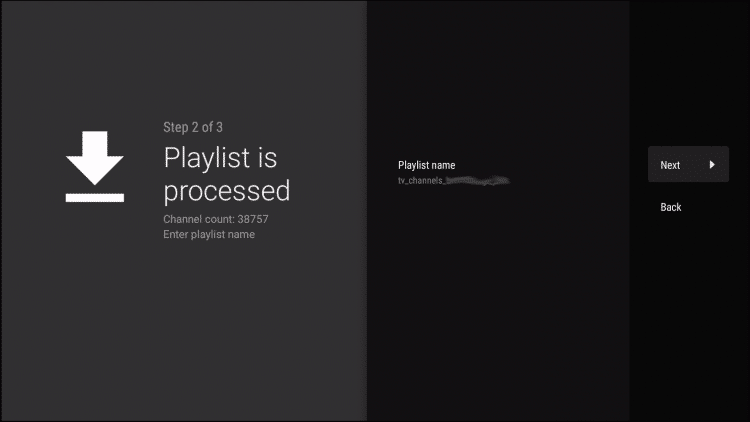
6. Wait until processing is finsished, You will then see Playlist is processed message with Channel count and your Playlist name. Click Next.
7. You are able to start viewing! Catagories are in alphabetical order.

It is important to note that many of the features within TiviMate are not available for those who choose to use the free service.
For example, if you try adding a channel or channels to favorites you will be prompted with the following message:
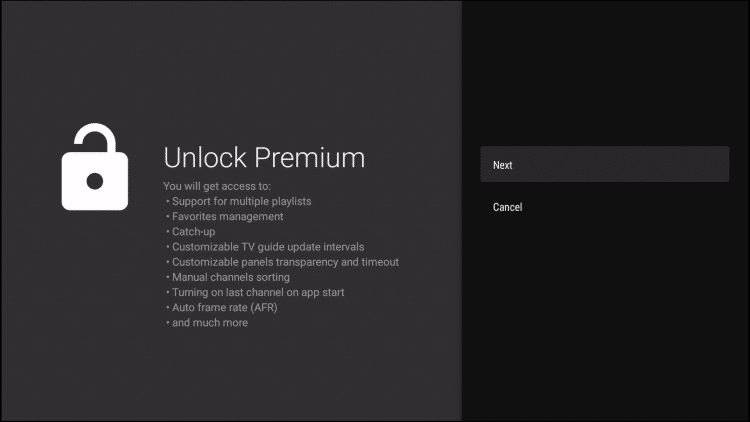
For those who wish to use the free version, simply click Cancel and continue with the TiviMate App.
If you purchase the premium option through the TiviMate Companion app, we can login for added benefits